LG ตรวจพบติดตั้งแอดแวร์ผ่านจอภาพ
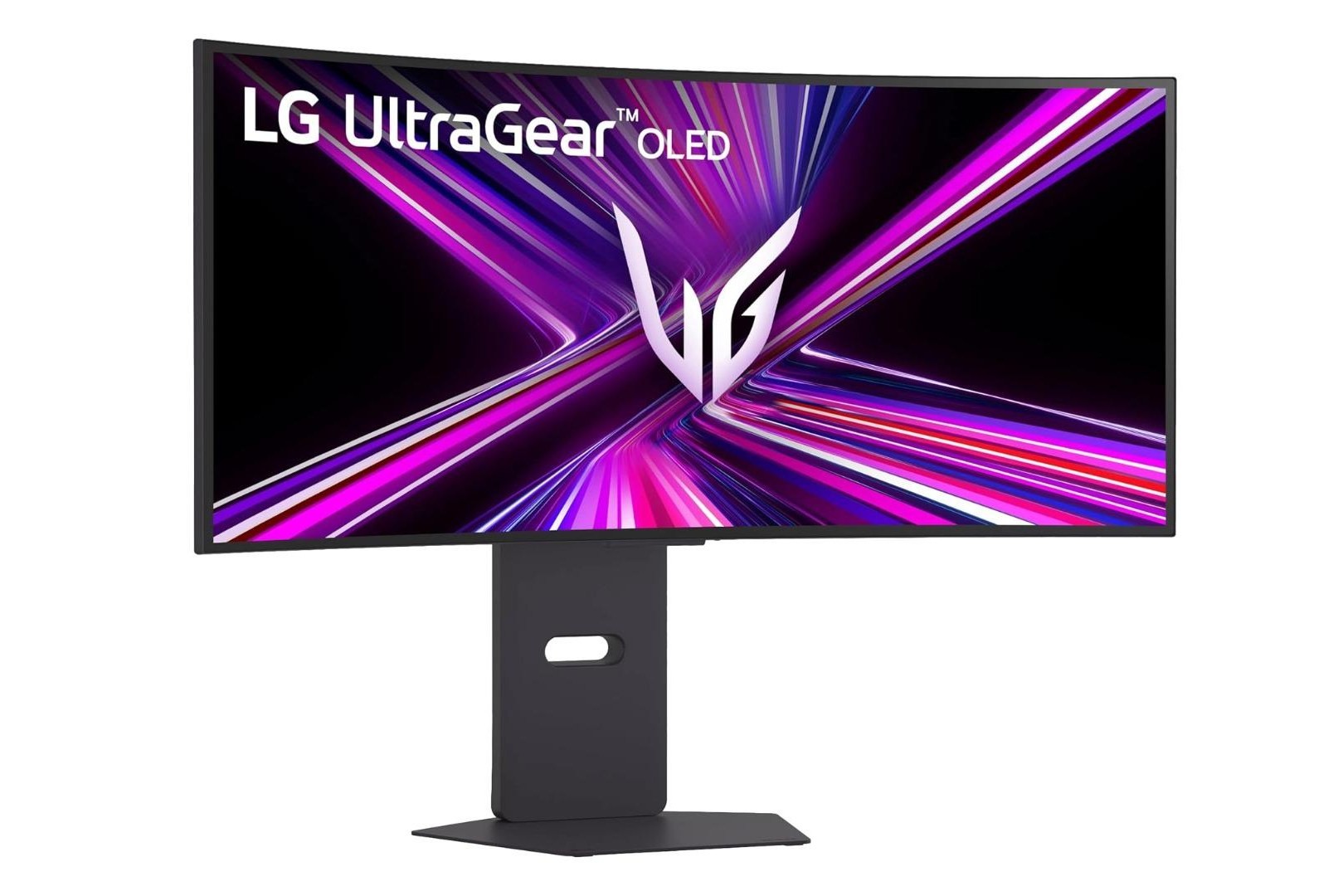
LG จอภาพเล่นใหญ่ ลงซอฟต์แวร์โฆษณา McAfee ให้โดยไม่ขออนุญาต
บทวิเคราะห์เชิงลึก
เหตุการณ์นี้เป็นกรณีศึกษาที่น่าสนใจในวงการเทคโนโลยี เมื่อบริษัทฮาร์ดแวร์อย่าง LG ใช้ประโยชน์จากกลไกของ Windows Update และ Microsoft Store เพื่อ “แทรก” แอปพลิเคชันที่ไม่พึงประสงค์ลงในเครื่องผู้ใช้ โดยไม่ต้องขออนุญาตหรือแจ้งให้ทราบล่วงหน้า สิ่งที่เกิดขึ้นไม่ใช่แค่การติดตั้งไดรเวอร์เพื่อให้จอภาพทำงานได้ แต่เป็นการติดตั้งแอปที่สามารถเข้าถึงทรัพยากรทั้งระบบ (“All System Resources”) และเชื่อมต่ออินเทอร์เน็ตได้ โดยมีวัตถุประสงค์หลักเพื่อแสดงโฆษณา McAfee และซอฟต์แวร์อื่นๆ ของ LG
จากมุมมองทาง business impact การกระทำของ LG ถือเป็นกลยุทธ์ที่เสี่ยงและสร้างความเสียหายต่อความน่าเชื่อถือของแบรนด์อย่างมาก การใช้ฮาร์ดแวร์เป็นช่องทางในการป้อนโฆษณา (adware) โดยไม่ได้รับความยินยอมจากผู้ใช้ อาจทำให้ผู้ใช้รู้สึกว่าถูกเอาเปรียบ โดยเฉพาะเมื่อได้จ่ายเงินซื้อจอภาพที่มีราคาสูงแล้ว การกระทำนี้ยังเปิดช่องโหว่ด้านความปลอดภัย เนื่องจากแอปมีสิทธิ์เข้าถึงระบบทั้งหมดและส่งข้อมูลผ่านอินเทอร์เน็ตได้ นักวิจัยด้านความปลอดภัยชี้ว่า ในทางทฤษฎีแล้ว แอปประเภทนี้สามารถเปลี่ยนโฆษณาเป็นเนื้อหาอื่น หรือแม้กระทั่งขโมยข้อมูลจากเครื่องได้ ซึ่งเป็นความเสี่ยงที่ผู้ใช้ไม่ควรต้องเจอ
สิ่งที่สะท้อนให้เห็นคือ การที่บริษัทฮาร์ดแวร์เริ่มมองหาแหล่งรายได้เพิ่มเติมจากนอกเหนือการขายอุปกรณ์ โดยอาจได้รับค่าธรรมเนียมจากบริษัทอย่าง McAfee ในการแสดงโฆษณาผ่านแอปของตน กลยุทธ์นี้คล้ายกับที่เราเห็นในสมาร์ทโฟนบางยี่ห้อ แต่การนำมาใช้กับจอภาพพีซีซึ่งเป็นอุปกรณ์ที่ผู้ใช้คาดหวังความเป็นส่วนตัวและความเสถียรสูง ยิ่งสร้างความรำคาญและไม่ไว้วางใจอย่างมาก
ประเด็นสำคัญ
- LG ใช้กลไก Windows Update ในการติดตั้งแอป “LG Monitor App Installer” โดยอัตโนมัติเมื่อเชื่อมต่อจอภาพ
- แอปดังกล่าวมีสิทธิ์เข้าถึงทรัพยากรทั้งระบบ (“All System Resources”) และสามารถเชื่อมต่ออินเทอร์เน็ตได้
- หน้าที่หลักของแอปคือการแสดงโฆษณา McAfee และโปรโมตซอฟต์แวร์อื่นของ LG
- แอปถูกตั้งค่าให้ทำงานอัตโนมัติเมื่อเปิดเครื่อง (startup application)
- มีรายงานพฤติกรรมนี้ตั้งแต่ปี 2024 แสดงว่า LG ทำมาเป็นเวลานานแล้ว
- ผู้ใช้ไม่ได้รับแจ้งหรือขออนุญาตใดๆ ก่อนการติดตั้ง
- แอปสามารถเปลี่ยนโฆษณาเป็นอย่างอื่นได้ตลอดเวลาผ่านการอัปเดต
วิธีป้องกัน
- ถอนการติดตั้ง ไปที่ Settings > Apps > Installed apps ค้นหา “LG Monitor App Installer” แล้วกด Uninstall
- ปิดการทำงานอัตโนมัติ เปิด Task Manager > Startup ปิดการทำงานของ “LG Monitor App Installer”
- บล็อกการติดตั้งผ่านนโยบายกลุ่ม (สำหรับ Windows Pro) ใช้ Group Policy Editor ปิด “Turn off Automatic Download of updates on WinHTTP from Windows Update”
- ใช้เครื่องมือของบุคคลที่สาม เช่น O&O ShutUp10++ เพื่อปิดการติดตั้งไดรเวอร์และแอปจาก Windows Update
English Translation
LG caught installing adware via monitor
In-depth Analysis
This incident is an interesting case study in the tech world, where a hardware company like LG leverages Windows Update and the Microsoft Store mechanism to “insert” unwanted applications onto a user’s machine without asking for permission or prior notice. What is happening is not just a driver installation to make the monitor work, but the installation of an app that can access all system resources (“All System Resources”) and connect to the internet, with the primary purpose of displaying ads for McAfee and other LG software.
From a business impact perspective, LG’s action is a risky strategy that significantly damages brand trust. Using hardware as a channel to serve ads (adware) without user consent can make users feel exploited, especially after paying a high price for the monitor. This action also opens a security vulnerability, as the app has system-wide access and can send data over the internet. Security researchers point out that, in theory, this type of app could change ads to other content or even steal data from the machine—a risk users should not have to face.
What this reflects is that hardware companies are starting to look for additional revenue streams beyond selling devices, possibly receiving fees from companies like McAfee to display ads through their apps. This strategy is similar to what we see in some smartphones, but applying it to PC monitors—a device where users expect high privacy and stability—creates significant annoyance and distrust.
Key Points
- LG uses the Windows Update mechanism to automatically install the “LG Monitor App Installer” app when a monitor is connected.
- This app has access to all system resources (“All System Resources”) and can connect to the internet.
- The app’s primary function is to display McAfee ads and promote other LG software.
- The app is set to run automatically at startup.
- Reports of this behavior date back to 2024, indicating LG has been doing this for a long time.
- Users are not notified or asked for permission before installation.
- The app can change its ads at any time via updates.
How to Block
- Uninstall Go to Settings > Apps > Installed apps, search for “LG Monitor App Installer,” and click Uninstall.
- Disable Startup Open Task Manager > Startup, disable “LG Monitor App Installer.”
- Block via Group Policy (for Windows Pro) Use Group Policy Editor to disable “Turn off Automatic Download of updates on WinHTTP from Windows Update.”
- Use Third-Party Tools like O&O ShutUp10++ to disable driver and app installations from Windows Update.