Google อัปเดตฟีเจอร์ Reading Mode ช่วยอ่านบนมือถือง่ายขึ้น
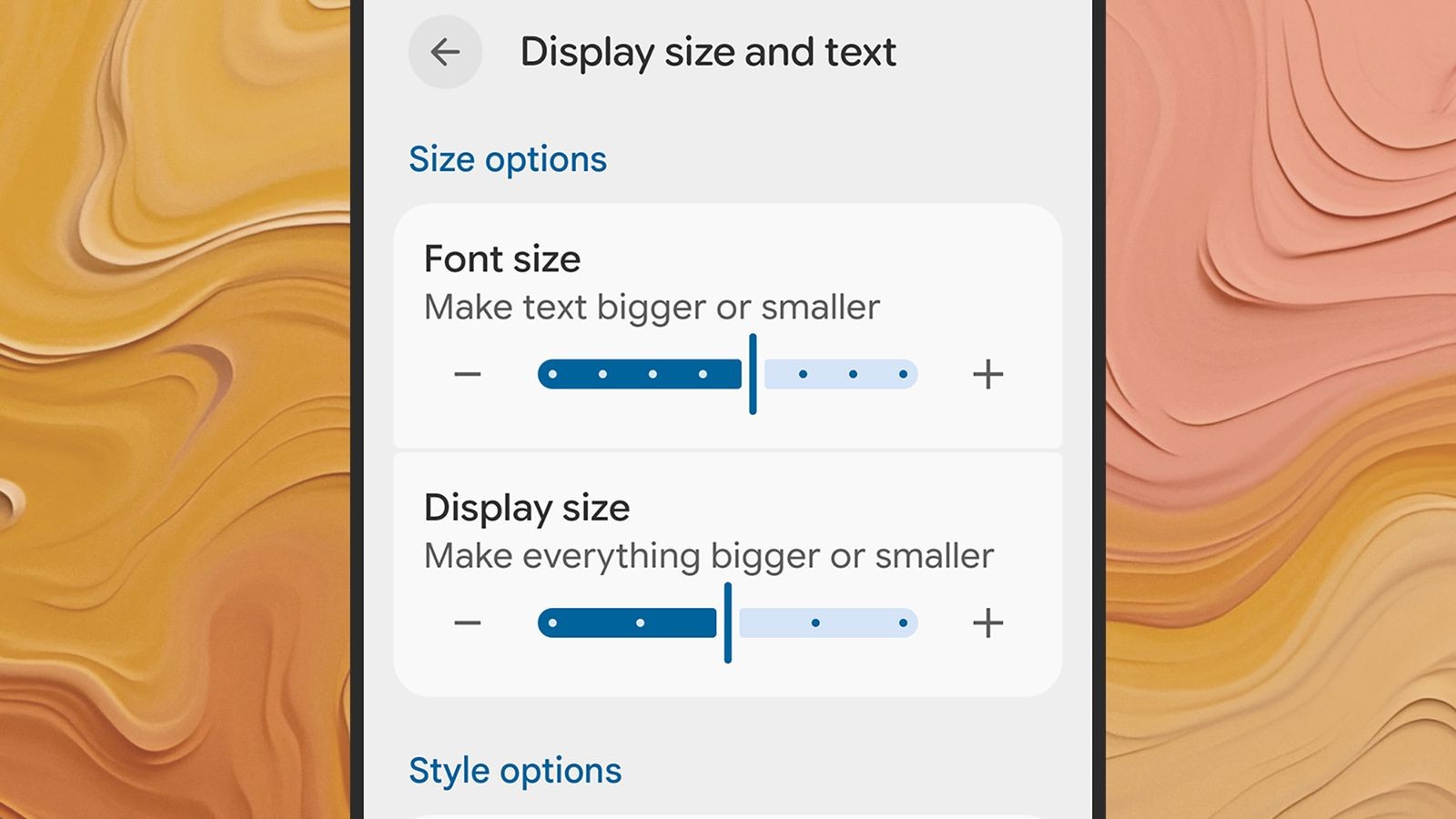
ในยุคที่สมาร์ทโฟนกลายเป็นศูนย์กลางการบริโภคคอนเทนต์ การอ่านข้อความบนหน้าจอเล็กอาจเป็นเรื่องท้าทาย โดยเฉพาะสำหรับผู้มีปัญหาทางสายตา Google จึงอัปเดตฟีเจอร์ “Reading Mode” (โหมดการอ่าน) เพื่อแก้ปัญหานี้อย่างตรงจุด
เจาะลึกมุมมองธุรกิจเทคโนโลยี:
Google กำลังตอกย้ำกลยุทธ์ “Accessibility as a Feature” หรือการทำให้ความสามารถในการเข้าถึงเป็นมาตรฐาน ไม่ใช่ฟังก์ชันเสริมอีกต่อไป การอัปเดตนี้ไม่เพียงช่วยผู้พิการทางสายตาหรือ dyslexia แต่ยังขยายฐานผู้ใช้งานให้ครอบคลุมทุกกลุ่ม โดยเฉพาะผู้สูงอายุและคนรุ่นใหม่ที่ใช้เวลากับหน้าจอนานขึ้น ซึ่งเท่ากับเป็นการเพิ่ม Engagement และลดอัตราการละทิ้งแอปพลิเคชัน ในมุมของนักพัฒนา การปรับแต่งฟอนต์ สี และการรองรับหลายภาษา เปิดโอกาสให้ธุรกิจคอนเทนต์และ e-learning สามารถปรับ UX/UI ให้ตอบโจทย์ผู้ใช้งานได้ง่ายขึ้น โดยไม่ต้องเสียทรัพยากรพัฒนาโซลูชันเอง ซึ่งนำไปสู่การสร้างโมเดลธุรกิจแบบ Subscription หรือ In-app Purchase สำหรับเสียงอ่านคุณภาพสูง
ฟีเจอร์เด่นที่มาพร้อมอัปเดต:
– ลดความรกบนหน้าเว็บ: Focused Reading View ซ่อนโฆษณาและเมนูที่ไม่จำเป็น
– ปรับแต่งฟอนต์และขนาด: รองรับการปรับสไตล์ตัวอักษร สีพื้นหลัง และระยะบรรทัด
– ฟังก์ชัน Text-to-Speech (TTS): อ่านข้อความเสียงด้วยเสียงคุณภาพสูง ควบคุมความเร็วและย้อนกลับได้
– บูรณาการกับระบบ: เชื่อมต่อกับ Quick Settings และ TalkBack เพื่อการใช้งานที่ราบรื่น
– รองรับหลายภาษา: อังกฤษ ฝรั่งเศส อิตาลี สเปน และภาษาอื่นในอนาคต
– เป็นส่วนตัวสูง: เนื้อหาทั้งหมดถูกประมวลผลบนเครื่อง ไม่มีการส่งข้อมูลออก
ความต้องการของระบบ:
– Android 9 ขึ้นไป
– ดาวน์โหลดฟรีจาก Google Play Store
CTAs:
อัปเดตเทรนด์เทคโนโลยีล่าสุดก่อนใครที่ TechBizInsight.com นะคะ
English Translation:
In an era where smartphones are the center of content consumption, reading text on a small screen can be challenging, especially for the visually impaired. Google has updated its “Reading Mode” feature to address this issue directly.
Deep Business Tech Analysis:
Google is reinforcing the “Accessibility as a Feature” strategy, making accessibility a standard rather than an add-on. This update not only aids the visually impaired or those with dyslexia but also expands the user base to include seniors and heavy screen users, increasing engagement and reducing app abandonment. For developers, customizable fonts, colors, and multi-language support allow content and e-learning businesses to optimize UX/UI without heavy R&D costs, opening up subscription or in-app purchase models for high-quality reading voices.
Key Features:
– Focused Reading View: Removes ads and unnecessary menus.
– Customizable Font and Size: Adjust font style, background color, and line spacing.
– Text-to-Speech (TTS): High-quality voice reading with speed control and rewind.
– System Integration: Works with Quick Settings and TalkBack.
– Multi-language Support: English, French, Italian, Spanish, and more.
– Privacy-First: All processing is on-device; no data is sent out.
System Requirements:
– Android 9 and above
– Free download from Google Play Store
Citation:
Google Play Store – Reading Mode