เปิดโลกการสั่งงานสมาร์ทโฟนด้วยเสียงบน iOS และ Android
เปิดโอกาสใหม่ในการควบคุมสมาร์ทโฟนด้วยเสียง
การควบคุมสมาร์ทโฟนด้วยเสียงกำลังเป็นเทคโนโลยีสำคัญที่เปลี่ยนแปลงประสบการณ์ผู้ใช้อย่างแท้จริง ทั้งบนระบบปฏิบัติการ Android และ iOS ผู้ใช้สามารถสั่งการทุกอย่างบนหน้าจอได้โดยไม่ต้องสัมผัส เปิดโอกาสให้ทั้งผู้พิการและผู้ที่ต้องการความสะดวกรวดเร็วสามารถใช้งานอุปกรณ์ได้อย่างมีประสิทธิภาพมากขึ้น
การวิเคราะห์เชิงลึกในมุมมองธุรกิจเทคโนโลยี
เทคโนโลยีควบคุมด้วยเสียงนี้ไม่ได้เป็นเพียงฟีเจอร์เสริม แต่เป็นกลยุทธ์ทางธุรกิจที่สำคัญของค่ายเทคโนโลยี巨头 การเพิ่มช่องทางการเข้าถึงนี้ช่วยเพิ่มฐานผู้ใช้ให้กว้างขึ้น ลดอุปสรรคสำหรับผู้สูงอายุและผู้พิการ ซึ่งเป็นตลาดที่มีกำลังซื้อสูงและกำลังเติบโต อีกทั้งยังเป็นการสร้างระบบนิเวศที่แข็งแกร่งให้กับซอฟต์แวร์ของตน เนื่องจากเมื่อผู้ใช้คุ้นเคยกับการสั่งงานด้วยเสียงบนอุปกรณ์มือถือ ก็มีแนวโน้มที่จะใช้บริการอื่น ๆ เช่น ผู้ช่วยเสียงในบ้านอัจฉริยะหรือรถยนต์ที่เชื่อมต่อกัน การพัฒนานี้ยังช่วยลดต้นทุนการสนับสนุนลูกค้าในระยะยาว เนื่องจากผู้ใช้สามารถแก้ปัญหาพื้นฐานได้ด้วยตัวเองผ่านคำสั่งเสียง
ประเด็นสำคัญที่ควรรู้:
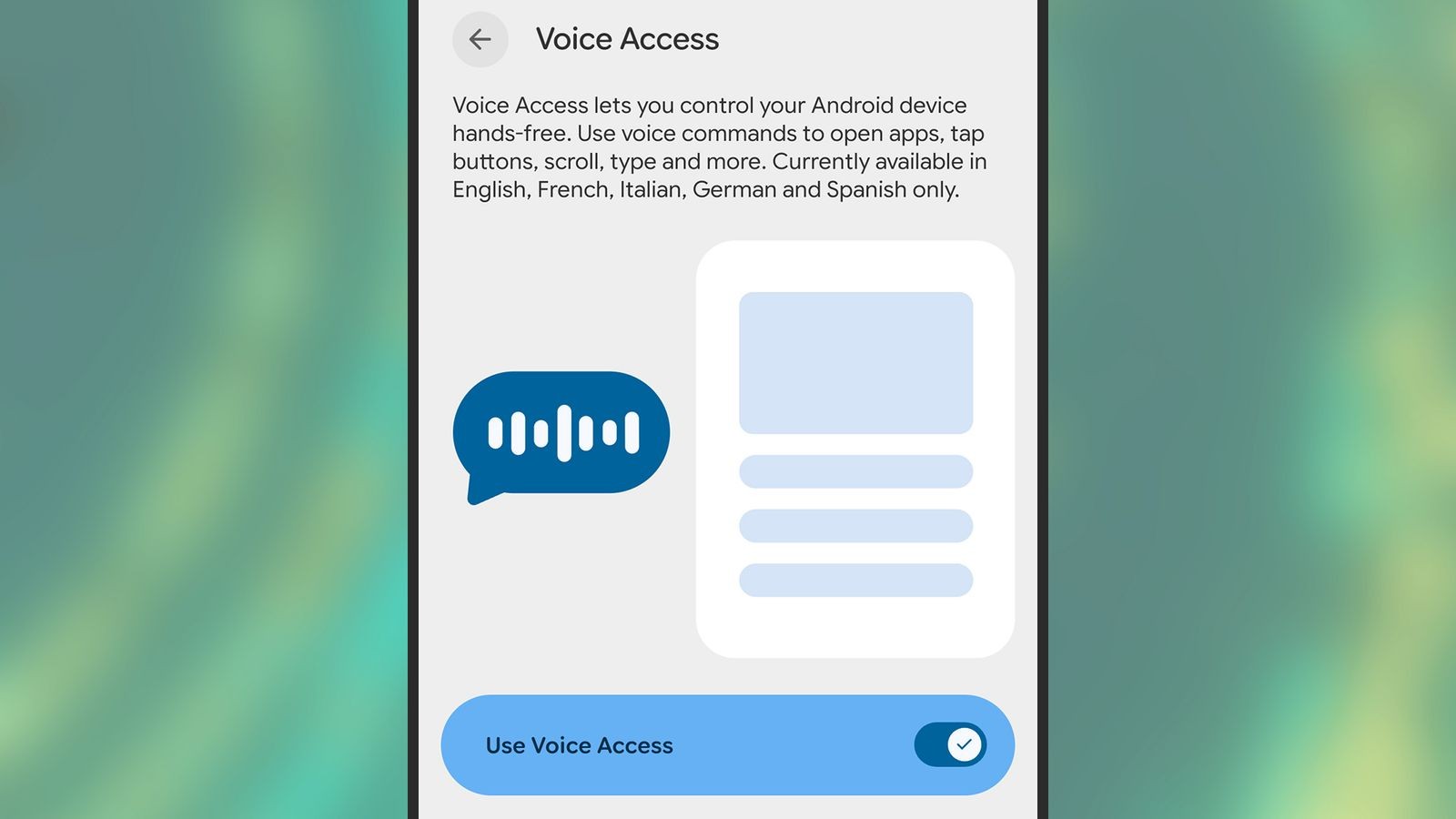
– Voice Access บน Android: แอปฟรีจาก Google ที่ให้ผู้ใช้สั่งงานด้วยการพูดคำสั่งเช่น “Show numbers” เพื่อแสดงตัวเลขบนปุ่มต่างๆ สามารถพูดหมายเลขเพื่อกดโดยไม่ต้องสัมผัสจอ
– การทำงานบน Samsung Galaxy S24 Ultra: ทดสอบบน Android 16 และ One UI 8 พบว่าทำงานราบรื่นและรวดเร็ว สามารถเลื่อนหน้าในแอป Books ได้ด้วยเสียง
– ขั้นตอนการตั้งค่า: เปิดใช้งานผ่านเมนู Accessibility จากนั้นทำตาม Tutorial เพื่อให้สิทธิ์การเข้าถึงและเลือกวิธีการฟังคำสั่งที่ต้องการ
– คำสั่งเสียงที่ใช้งานได้จริง: เปิดแอป ปรับระดับเสียง พิมพ์ข้อความ แก้ไขข้อความ และเปิดลิงก์ โดยสามารถตั้งค่าให้ใช้คำกริยาในการสั่งงานได้
– การแสดงป้ายกำกับ: พูด “Show labels” บน Android หรือ “Show names” บน iOS เพื่อให้ระบบแสดงสิ่งที่สามารถเลือกได้บนหน้าจอ
Full English Translation
Voice control on smartphones is becoming a key technology that transforms user experience. Both Android and iOS allow users to command everything on screen without touching, opening opportunities for disabled individuals and those seeking convenience to use their devices more efficiently.
This voice control technology is not just an add-on feature but a crucial business strategy for tech giants. Expanding accessibility channels broadens the user base, reduces barriers for the elderly and disabled—a high purchasing power and growing market—and strengthens the software ecosystem. When users become accustomed to voice commands on mobile devices, they are likely to adopt other services such as smart home assistants or connected cars. This development also reduces long-term customer support costs as users can solve basic issues through voice commands.
Key points to know:
– Voice Access on Android: A free app from Google allowing users to command their phone by saying phrases like “Show numbers” to display numbers on buttons. Users can then say the number to tap without touching the screen.
– Performance on Samsung Galaxy S24 Ultra: Tested on Android 16 and One UI 8, the experience was smooth and fast, enabling page turning in the Books app using only voice.
– Setup steps: Enable through the Accessibility menu, follow tutorials to grant necessary permissions and select preferred listening method.
– Practical voice commands: Open apps, adjust volume, type messages, edit text, and open links. Settings allow using verbs for commands.
– Label display: Say “Show labels” on Android or “Show names” on iOS to make selectable elements appear on screen.
Citation: How to Control Everything on Your Phone With Your Voice (iOS and Android) – Source